Don't Panic! When Lost Your Data
System and Data Recovery
DATA RECOVERY
How To Repair A Dead Hard Disk Drive To Recover Data
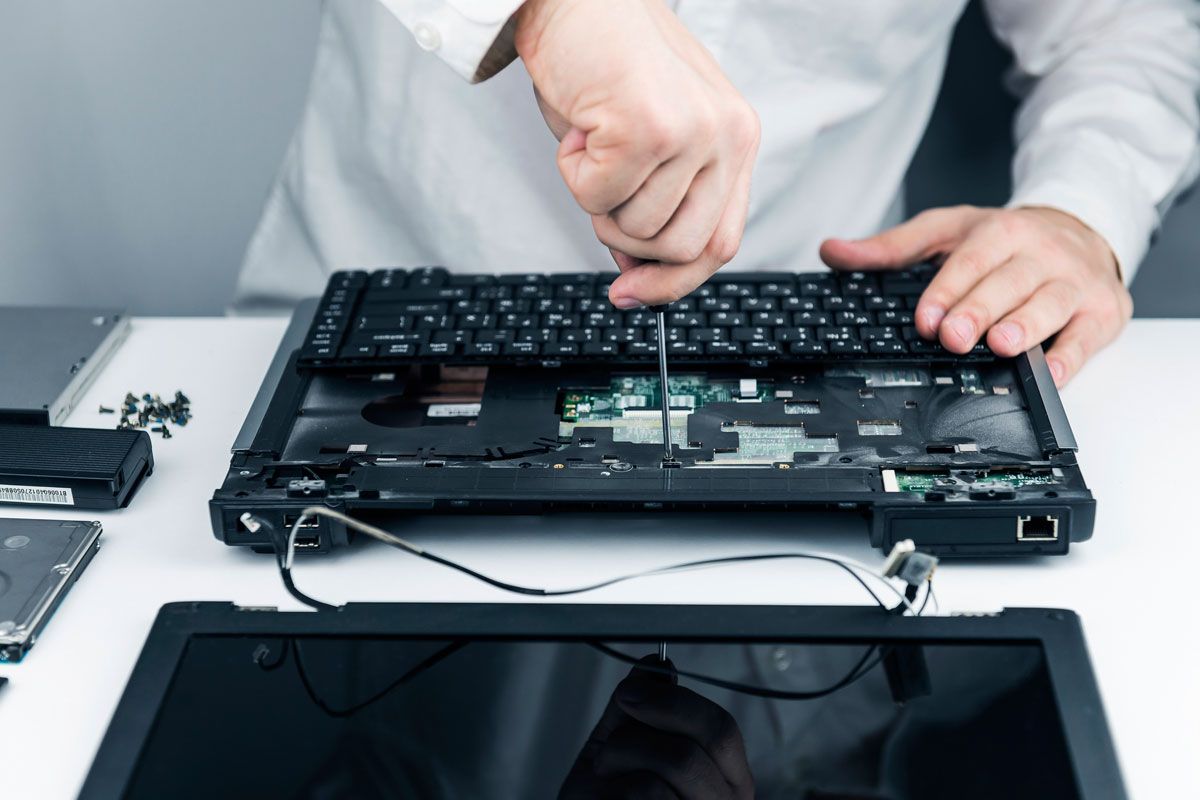
Taking a drive apart without damaging it is difficult. Data recovery professionals only open damaged drives up in clean rooms, highly controlled environments free from almost all environmental pollutants. Even a single speck of dust that lands on a hard drive plate can cause the read/write head to crash and multiply the drive’s problems. Static electricity can also damage the drive, so these rooms, the equipment used in them, and the clothing that technicians wear are all specially designed to minimize static.
When a hard drive fails because of physical damage, it can be related to several factors, such as a broken controller board or a crashed head. Occasionally these issues can be fixed by replacing the broken part, but in general, if there’s physical damage to the hard drive, you’re going to need some serious work done by the professionals.
If you get your drive to a data recovery specialist, they’ll take a number of steps, from rebuilding parts of the hard drive to creating a disk image and doing their best to repair the corrupted parts using sophisticated software. The cost of the rebuilding, proprietary imaging technologies, and maintenance of the clean rooms are what can drive the cost of professional data recovery upwards of several thousands of rands. (though some providers are now able to offer more affordable rates).
What Is Data Recovery And How Does It Work?
Data loss can take many forms: accidental deletion, hard drive failure, software bugs, data corruption, hacking, and so on. Even a simple power failure can cause you to lose data. And, of course, there are more extreme cases, like when a hard drive is recovered from a plane crash; amazingly, data recovery specialists can retrieve data from storage media that’s been almost completely destroyed.
Can Data Be Recovered From A Failed SSD? What You Need To Know
You know how disheartening it can be to see the words “corrupt hard drive” error. However, data recovery is still possible, even if you see those trauma-inducing words. If you attach the hard drive to another computer, you might find that only the operating system has been corrupted and that the rest of your data is fine. In this case, it’s just a matter of copying everything to another hard drive.
Another problem that could get you to this point is a corrupted partition table, which might be possible to repair using the correct software. If you can successfully repair the partition table, getting all of your files back should be easy. If not, you still might be able to recover enough information from the table to get some of your files back, though it depends greatly on the level of corruption.
Even if the files you’re trying to recover have been corrupted, there’s a chance that you’ll be able to get usable portions of them back using data recovery software; as long as the software can find the file, it will try to recover it. While you might not be able to use what you get, there’s always a chance that you’ll get a portion of the file back, which could potentially save you a lot of time in trying to recreate it.
For example, formatting with FAT destroys a large amount of data, rewriting that section of the disk with zeroes, significantly reducing the likelihood that you’ll be able to recover your data. Some file systems, like NTFS, have a higher likelihood of recovery if they’re overwritten with the same file system, while others actually have a smaller chance if they’re overwritten with the same system—writing XFS over FAT makes it more likely for the FAT files to be recovered.
In the case of file system damage, the number of files that can be recovered depends on the extent of the damage and the allocation information available to the recovery software. If enough information is present for the recovery software to repair the file system and accurately locate previous files, you should be able to recover quite a bit.
Physical Drive Damage
Recovering files that have been deleted or formatted is one thing—getting files off of a damaged drive is another. While it doesn’t take impressive technical skills to install and run recovery software, dealing with a heavily damaged drive is best left to the professionals, as it usually requires that the drive be taken apart.